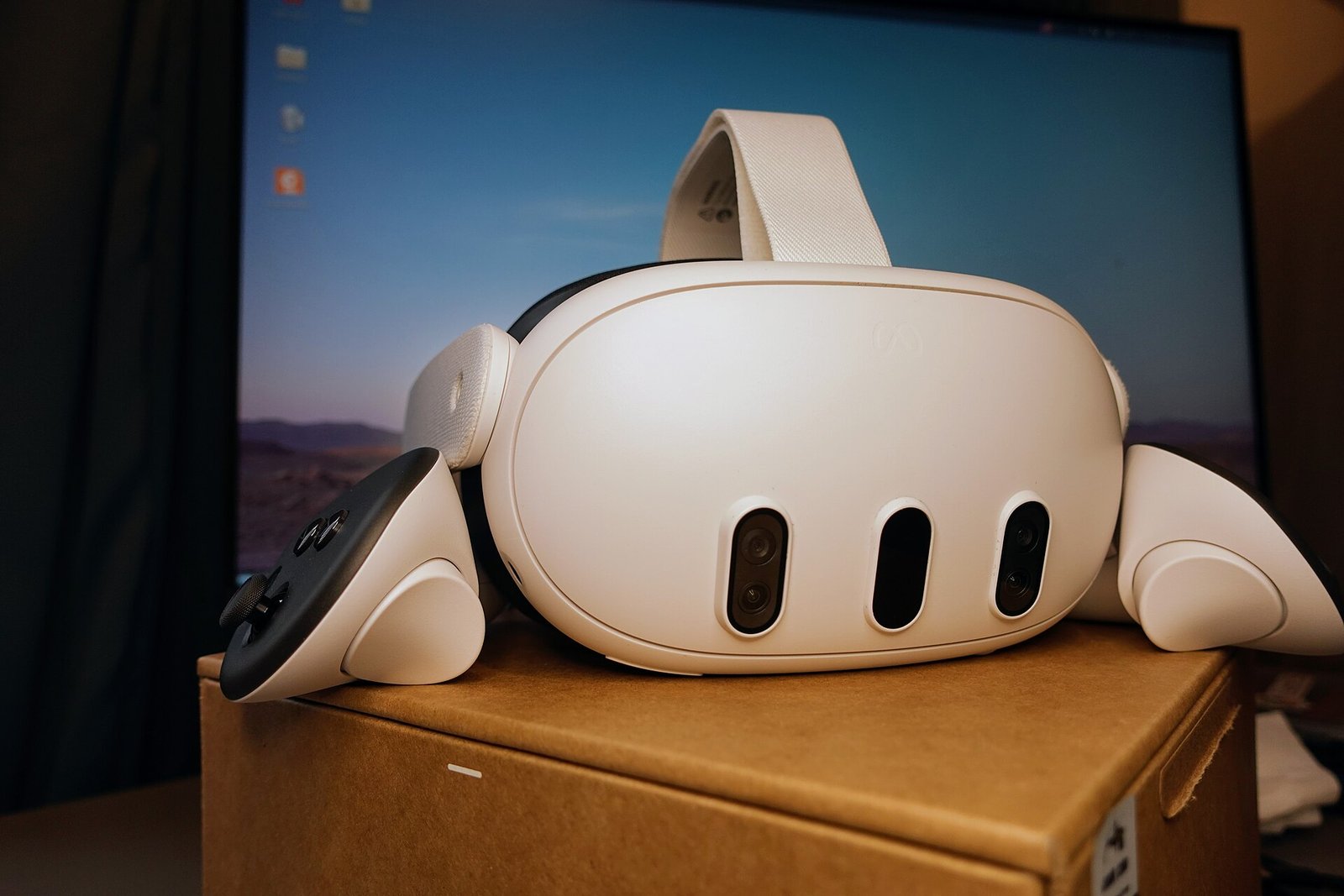
A new free app called Venture claims it can run the Quest games you own on almost any PC VR headset. The Venture Quest emulator appeared on GitHub late on 28 October, and it already has a compatibility list that includes Quest exclusives such as Asgard’s Wrath 2 and Batman: Arkham Shadow. That is a big promise. It also raises fair questions about your Meta account, Meta’s rules and how well the games really run.
Here, I break down what Venture does, what the early evidence shows, and whether you should try it yet.
What the Venture Quest emulator does
Venture is a free Windows and Linux app. You sign in with your Meta account, pick a game you already own, and Venture downloads it to your PC. The Android game then runs on your computer, not on a headset. As VR.org explains, nothing is streamed, and you do not need a Quest at all.
Under the hood, Venture uses ANGLE, Google’s open-source layer that translates OpenGL ES graphics so they run on a PC graphics card. Frames then go to the OpenXR runtime your headset already uses. According to Road to VR, it also supports older games built on Oculus’s legacy VrApi, including 32-bit titles, without changing the game files.
The developer goes by Villagers654, who also made RiftLift for Rift-era PC games. VR.org reports that version 0.1.0 went live at 23:06 UTC on 28 October. Version 0.1.0.3 followed about ten hours later. The project uses the GPL-3.0 open-source licence, so anyone can read its code.
Which games work so far
The project’s site keeps a compatibility list. When VR.org checked it, the list held 25 games, all marked as working on Windows and Linux. VR.org counts 16 of them as Quest exclusives. Road to VR lists titles such as Beat Saber, Moss, Marvel’s Iron Man VR, Vader Immortal and The Walking Dead: Saints & Sinners alongside the exclusives.
However, “working” has a narrow meaning here. The project says a tick means a game renders without major errors. It also says a tick does not require a full gameplay pass. So a listed game might still crash later, break in multiplayer or have control issues.
Early bugs and performance claims
Real-world reports already show limits. VR.org found an issue where Resident Evil 4 crashed on an 8GB RTX 3060 Ti after running out of video memory. The developer replied that Venture “currently doesn’t compress textures at all.” Version 0.1.0.2 now falls back to system memory instead of crashing.
Performance claims are the project’s own. Venture’s site charts results from an Intel Core Ultra 9 285K and an RTX 5090 at 2,800 by 2,856 pixels per eye. On that very high-end machine, VR.org says the chart shows 1.3 to 2 times the average frame rate of AXRB and Refract, two earlier projects. Because those figures come from top-tier hardware, most players should expect lower numbers.
Is it safe for your Meta account?
This is the key question. Road to VR’s Scott Hayden advised holding off for now. He warned that the app could break Meta’s terms, expose personal data or lead Meta to ban your account. If that happened, you could lose access to the games you paid for.
VR.org took a different approach and read the source code. Its findings are more reassuring on security, though not on Meta’s response. First, sign-in happens on Meta’s own login page inside an embedded Microsoft Edge window. Venture never asks for your password in its own interface. Second, it keeps an access token, which it encrypts with Windows DPAPI or stores in the Linux system keyring.
Third, the code only talks to Meta, to GitHub for an optional update check, and to a paste site when you choose to upload a bug report. VR.org found no analytics or crash-reporting library. Before any report goes out, the app strips tokens and account names.
Ownership checks, and one open door
Venture checks with Meta that you own a game before every download and every launch. It does not cache that result offline, and it refuses Meta’s App Sharing family feature. In short, each account must own the game it plays.
That said, there is a gap. The Import page accepts any APK, ZIP or game folder with no ownership check. That makes it possible to load files from unknown sources. My advice is simple: only use files from your own headset, and never download Quest game files from anywhere else.
Finally, Venture does not hide from Meta. VR.org reports that its traffic carries the user agent “Venture/0.3 native”. So Meta can see who is using it. Whether Meta will act on that remains unknown, and Meta has not commented in the coverage I found.
How Venture compares with other options
Venture is not the first project of its kind. Road to VR notes that Android XR Bridge and Refract have been around for about a month. Both need more technical setup through GitHub. By contrast, Venture offers a simple installer and a sign-in screen, which lowers the barrier a lot.
It also differs from official ways to play. Quest Link and Steam Link stream PC games to a Quest. Venture does the reverse, running Quest games on a PC for any OpenXR headset. That could appeal to owners of a Valve Index, a Steam Frame or another PC headset who bought Quest exclusives in the past.
Meanwhile, the timing is interesting. Valve has just admitted that VR content is a chicken-and-egg problem, and Google is pushing Android XR onto devices like the XREAL AURA glasses I covered this week. Tools that move games between platforms could become more popular as hardware choices split up.
Should you try the Venture Quest emulator?
If your Quest library matters to you, I would wait. The app is barely two days old, Meta has not said how it views emulation, and the developer’s own disclaimer says users are responsible for following platform terms. A ban on your main account would cost far more than any frame-rate gain.
If you still want to test it, VR.org lists what you need. You need 64-bit Windows 10 or 11, or Linux. You also need a PC VR headset whose OpenXR runtime supports Vulkan, such as SteamVR or Quest Link on Windows, or Monado on Linux. Windows users also need Microsoft’s WebView2 runtime for the sign-in window. Note that the installer is not code-signed, so Windows may warn you about an unknown publisher.
What to watch next
- Any official statement from Meta about emulation or account bans.
- Fuller gameplay testing beyond the “renders correctly” bar.
- Texture compression, which could help cards with less video memory.
- Recommended PC specs, which the project has not yet published.
FAQ
Is the Venture Quest emulator free?
Yes. It is free and open source under the GPL-3.0 licence, with builds for Windows and Linux.
Do I need a Meta Quest to use it?
No. You need a Meta account that owns the games and a PC VR headset with a compatible OpenXR runtime.
Can Meta ban my account for using it?
Nobody can promise it won’t. Road to VR warns of a ban risk, and Venture’s traffic is clearly labelled, so use it at your own risk.
Does it run every Quest game?
No. The list held 25 games when VR.org checked, and a tick only means the game renders without major errors.
Whichever way you choose to play, buying games legally keeps developers in business. If you pick up new titles on the Meta Horizon Store, my promo code VRCGUY is there for you to use at checkout.
Sources
- Road to VR: New Emulator Promises to Run Quest Exclusive VR Games on Any PC VR Headset
- VR.org: What the Venture Quest Emulator Does With Your Meta Account, Read From Its Source
- Venture project site
Featured image: Meta Quest 3 by Roy.wonder.cohen, via Wikimedia Commons, licensed CC BY-SA 4.0.