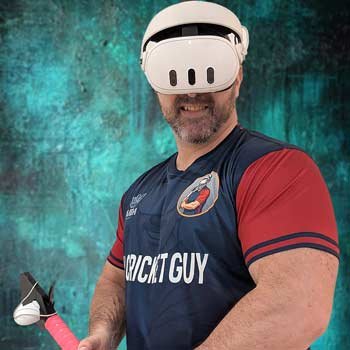
This is the complete guide to getting iB Cricket running smoothly on the Meta Quest 3 or Quest 3S.
What You’ll Need
- Meta Quest 3 or Quest 3S
- Clear play space (at least 2 m × 2 m)
- Good room lighting
- (Recommended) A dedicated VR cricket bat
Step 1: Download iB Cricket
Open the Meta Horizon Store on your headset, search for iB Cricket, and download it. Or use this direct link with 10% discount included
You can use the code VRCGUY at checkout.
Step 2: Basic Tracking Setup
- Make sure your play area is well lit.
- Recalibrate your guardian if needed.
- Hold the controllers (or bat) naturally and complete the in-game calibration.
Step 3: Using a VR Cricket Bat
For the most realistic feel I recommend a dedicated VR cricket bat.
See my full recommendation here: Best VR Cricket Bat for Meta Quest.
Common Issues
- Tracking jumps → improve lighting and re-do the guardian.
- Bat not detected → check controller pairing and in-game settings.
Once you’re set up, head into a stadium and start playing. The full list of tips and stadium guides is available on the site.