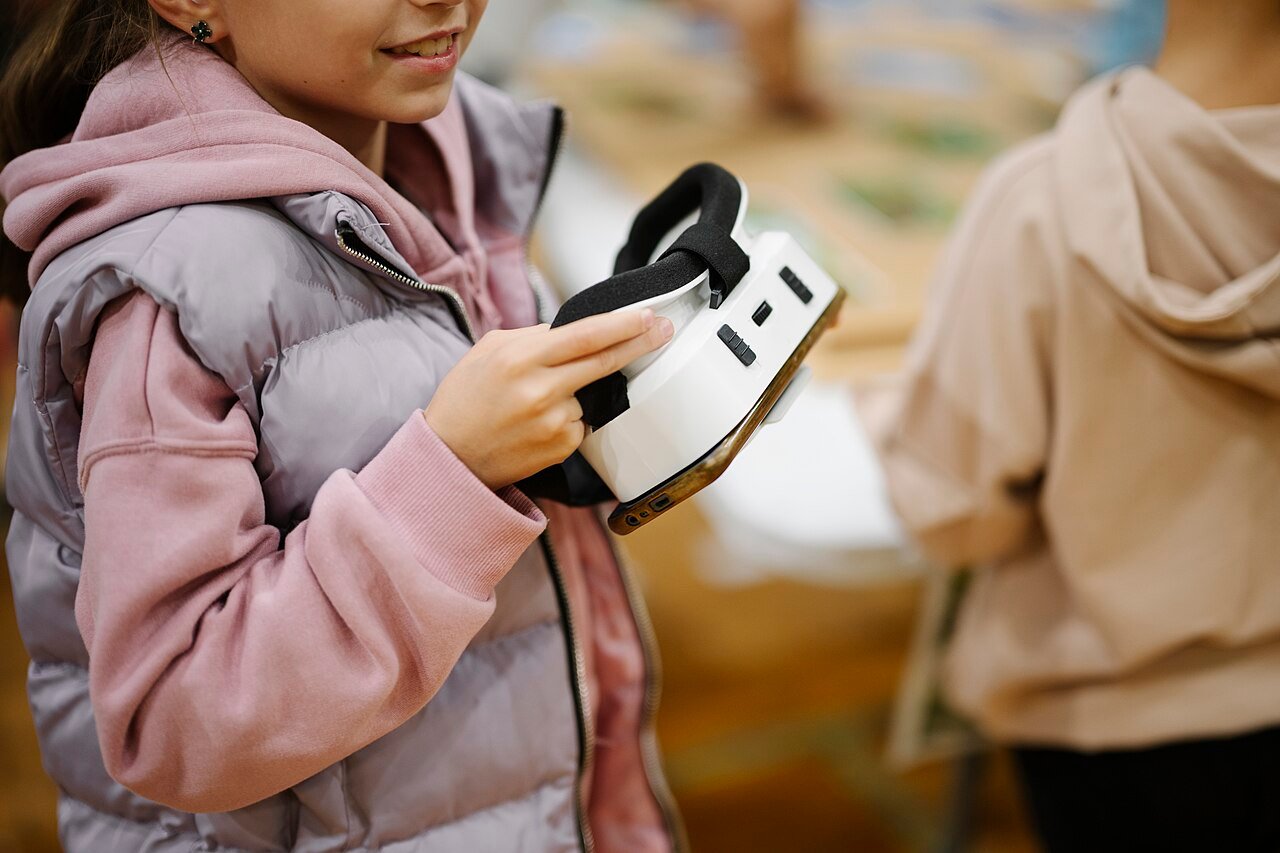
VR cricket for kids is a big question around birthdays and Christmas. Picture it. A parent sees their son or daughter glued to the Test match and thinks a Quest headset and a cricket game would be the perfect present. It might be! But there are age rules, fit problems and a big swinging bat to think about first. So here’s what Meta and the cricket game makers actually say, plus a simple setup plan for families.
The short answer: is VR cricket OK for kids?
For most children aged 10 and over, yes, with an adult in charge. Meta won’t let anyone under 10 use a Quest at all. Meanwhile, children aged 10 to 12 need a parent-managed account, and teens get their own accounts with optional supervision. On top of that, each cricket game has its own age rating, and some set their own minimum age.
Age is only half of it, though. Before you buy anything for VR cricket for kids, think about size as well. Meta’s own health and safety warnings say the headset is “not recommended for use by younger or smaller-sized children” or for anyone it can’t be adjusted to fit. So a tall 11-year-old and a small 11-year-old might get very different answers. The rest of this guide helps you work out which camp your child is in.
How old do kids need to be for VR cricket?
Here’s how Meta splits it up, according to its parent information page and its guide to account types. Meta also notes that ages can vary by country.
- Under 10: no Quest at all. Parents can’t create an account for a child under 10.
- 10 to 12: a parent-managed Meta account. A parent sets it up and approves the apps.
- 13 to 17: a teen account with private settings by default. Parents can add supervision if the teen accepts.
- 18 and over: a standard adult account.
Parent-managed accounts work on Quest 2, Quest 3 and Quest 3S, according to Meta’s parent guide. That covers the headsets most VR cricket games are built for. Meta’s children’s privacy guide adds that kids start managing their own account at 13, or 14 in some countries.
What the cricket games themselves say
Every game on the Meta store carries an age rating from the International Age Rating Coalition (IARC). Most cricket games come out as “Everyone”. For example, VRDB’s listing for iB Cricket shows an Everyone rating, as do the listings for Final Overs, CricketX, Cricket Strike and Irusu. RealBat Cricket VR is different. Quest Games lists it as Teen, and RealBat’s own guide says the game is for players aged 13 and over.
iB Cricket has a few rules of its own in its terms and conditions. If the player is a minor, it asks a parent or another responsible adult to check the health and safety points first. You also have to be 13 or over to buy its All-in-One Home Kit directly from the iB Cricket website.
In other words, an Everyone rating is about content, not bodies. It means there’s nothing nasty in the game. It doesn’t mean a 10-year-old can swing a bat safely in a cluttered lounge. Meta’s account rules still apply too, so an Everyone game doesn’t open the door to an eight-year-old.
Is your child ready? Meta’s checklist
Meta gives parents a readiness checklist. In short, your child should be able to do all of these things:
- Read, understand and follow the warnings and instructions.
- Get a proper fit and a clear picture in the headset.
- Set up and stay inside the boundary in a clear space.
- Pick suitable content with your help.
- Stop playing if they feel uncomfortable.
- Tell you about blurry vision, soreness or anything else that feels wrong.
- Understand that what they see in VR isn’t real.
- Take breaks within sensible time limits.
Honestly, that list is a decent test for adults too. If your child struggles with “stay inside the boundary” when they’re excited, VR cricket will find that out very quickly. A cover drive into the telly isn’t a good look for anyone.
Getting the headset to fit a child
Fit matters more for kids than for adults. In particular, the eyes are the tricky part. The distance between your pupils is called your IPD. Meta’s warnings point out that a child’s IPD may be smaller than the lens spacing on the headset. When the lenses can’t match, the risk of eye strain, blurry vision, headaches and nausea goes up.
Meta’s IPD help page says its headsets best suit IPDs between 56 and 70 mm, which covers about 95% of adults. The two current headsets handle this differently, according to Road to VR’s spec comparison:
- Quest 3: continuous adjustment from 53 to 75 mm, set with a wheel.
- Quest 3S: three fixed steps at 58, 63 and 68 mm. Meta suggests the narrowest step for an IPD of 61 mm or less.
So if your child has narrow-set eyes, the Quest 3’s extra range is a real advantage. That’s worth knowing before you buy, and my guide to the best VR headset for VR cricket covers the other differences between the two.
How to check the fit
- Measure their IPD. An optician can do it properly. Meta also describes a mirror-and-ruler method on its help page.
- Set the lenses to the closest match.
- Tighten the head strap so the headset sits snugly without pressing hard.
- Ask them to read some small text in the menu. It should look sharp, as one clear image.
- Check again after a few minutes, because straps slip when kids move about.
If you can’t get a clear picture, Meta’s advice is simple. Don’t let them use it. Waiting a year is a lot better than a headache every time they bat.
How to set up a parent-managed account
This is the bit most parents skip, and it’s the bit that gives you control. Meta’s help page and its parent guide explain the process. The steps below are the broad outline.
- Log in to your own Meta account and set up your Meta Horizon profile. You need this before you can add a child.
- Start setting up an account for your child from the Meta Horizon app or Family Centre.
- Follow the prompts to add your child’s details.
- Sign the headset in with your child’s account. Then always sign out of your own account before you hand it over.
- Approve the apps they can use, including the cricket game you’ve chosen.
Sharing one headset? ConnectSafely’s parent guide says everyone should sign in with their own account. Otherwise your child plays on your adult profile, with your card details and none of the controls.
Controls worth switching on
According to Meta’s Family Centre, parent-managed accounts let you do the following:
- Approve or block any app before your child can download or open it.
- Approve purchases that use a debit or credit card, including Meta Credits.
- Set a daily time limit. Meta’s default for children is 2 hours.
- Schedule breaks, so the headset can’t be used at certain times, like school nights.
- Approve the contacts your child can chat with or invite.
- Watch what they see in real time.
For cricket, the time limit and app approval are the big ones. Also, some cricket games have online play. RealBat, for example, mentions voice chat in its multiplayer Chase mode. So check each game’s social features before you approve it.
The cricket bit: bats, straps and space
Now for the part where VR cricket is different from most Quest games. You swing hard, and you swing far. RealBat’s guide says a bat hitting a wall, a lamp or a person is the most common VR cricket accident. So with an excited 11-year-old at the crease, that’s worth taking seriously.
Start with the wrist strap. Meta’s warnings say to use wrist straps on controllers so they don’t become “loose projectiles”. Then think about a bat. Strapping the controller to a bat adds weight and feel, but it also adds reach. My VR cricket bat guide explains how the mounts work. If you’d like a bat built for Quest 3 and 3S, the VR cricket bat on my VR Merch Store is made and shipped from the UK. For smaller kids, though, the controller on its own is lighter and easier to stop mid-swing.
Next, think about space. RealBat suggests 2 metres by 2 metres as a comfortable minimum. iB Cricket’s terms ask for at least 8 feet by 8 feet of clear space when using its bat. Meta adds a few points that matter even more for families:
- Keep a buffer of about 30 to 60 cm between the boundary and anything solid.
- The boundary has no ceiling, so check for lights and fans above a pull shot.
- Children may not draw the boundary correctly, so an adult should help.
- Keep younger siblings and pets out, because the player can’t see them coming.
I’ve written a full guide on how much space you need for VR cricket, with a checklist you can run through before every session.
How long should kids play VR cricket?
Meta’s warnings suggest starting with a maximum of 30 minutes, then a 15-minute break, and building up slowly. They also say younger children should take more frequent, longer breaks. Meta advises against long sessions for children too, and suggests daily and weekly limits.
RealBat’s guide also points out that batting in VR is more exercise than it looks. So watch for the signs Meta lists. These include blurry vision, rubbing their neck, a change in posture, headaches or feeling sick. If any of those show up, take the headset off and check the fit before the next go.
Which VR cricket games suit kids?
Meta suggests that newcomers start with games rated Comfortable before trying anything rated Moderate or Intense. Most cricket games are batting games played standing, which helps. According to their store listings, Final Overs, CricketX, Cricket Strike and Irusu are all rated Comfortable. Runmaka, on the other hand, is rated Moderate.
You can compare every option in my list of VR cricket games on Quest 3 and 3S. If you’re leaning towards the most popular one, my iB Cricket on Meta Quest 3 guide covers the modes and setup. And when you buy VR games on the Meta Store, my promo code VRCGUY is there to use at checkout. It’s a simple way to support this site.
Watch along by casting
One of the best tricks for parents is casting. It puts what your child sees onto your phone or computer, so you can check they’re in the right game. It’s also more fun for the rest of the family, who can finally see what all the shouting is about. Meta’s casting help page explains the steps:
- First, put the headset and your phone or computer on the same Wi-Fi network.
- Press the Meta button on the right controller to open the menu.
- Select Quick controls, then Cast.
- Choose Mobile, Web or a nearby device, then follow the instructions.
Phone casting also needs Bluetooth switched on. Meta adds that the headset and the screen should be on the same Meta account. On a parent-managed account, real-time viewing from the parent’s side is part of the supervision tools.
VR cricket for kids: FAQ
Can an 8-year-old play VR cricket?
Not on a Quest. Meta’s rules say children under 10 can’t use its headsets, and parents can’t create accounts for them.
Is iB Cricket suitable for children?
Its store rating is Everyone. However, iB Cricket asks that an adult checks the health and safety points for any minor, and you must be 13 or over to buy its home kit from its website.
Is RealBat Cricket VR OK for under-13s?
RealBat says its game is for players aged 13 and over, and its store rating is Teen.
Should kids use a real bat or just the controller?
Either works. A bat adds weight and reach, so younger or smaller children may be safer with the controller alone at first. Whatever they use, the wrist strap goes on every time.
Is Quest 3 or Quest 3S better for a child?
Both support parent-managed accounts and the same games. The Quest 3 has a wider IPD range, starting at 53 mm, so it suits narrow-set eyes better.
Final thoughts
VR cricket for kids can be brilliant, but it works best with a grown-up who sets the rules. Check the age, get the fit right, clear the room and keep sessions short. After that, let them get stuck in! I’ll update this guide if Meta or the cricket games change their rules. For everything else, head to my VR cricket hub.
Featured image: Shixart1985, via Wikimedia Commons (CC BY 2.0).

Sources
- Meta: Meta Quest Safety Information for Parents and Children
- Meta: Health and Safety Warnings, Meta Quest 3
- Meta Family Centre (UK): Parental controls for Meta Horizon and Quest
- Meta Family Centre (UK): Meta Horizon and Meta Quest parent guide
- Meta Quest Help: Create and manage a Meta account for your child
- Meta Quest Blog: The Right Meta Account for You
- Meta Quest Help: Learn about IPD and lens spacing
- Road to VR: Quest 3S vs Quest 3 vs Quest 2 specs compared
- Meta Quest Help: How to cast your Meta Quest to a screen
- Meta: Meta Horizon Privacy Guide for Children
- ConnectSafely: Parent’s Guide to Parent-Managed Meta Accounts
- RealBat Cricket VR: VR cricket guide
- iB Cricket: Terms and Conditions
- VRDB: iB Cricket listing
- Quest Games: RealBat Cricket VR listing