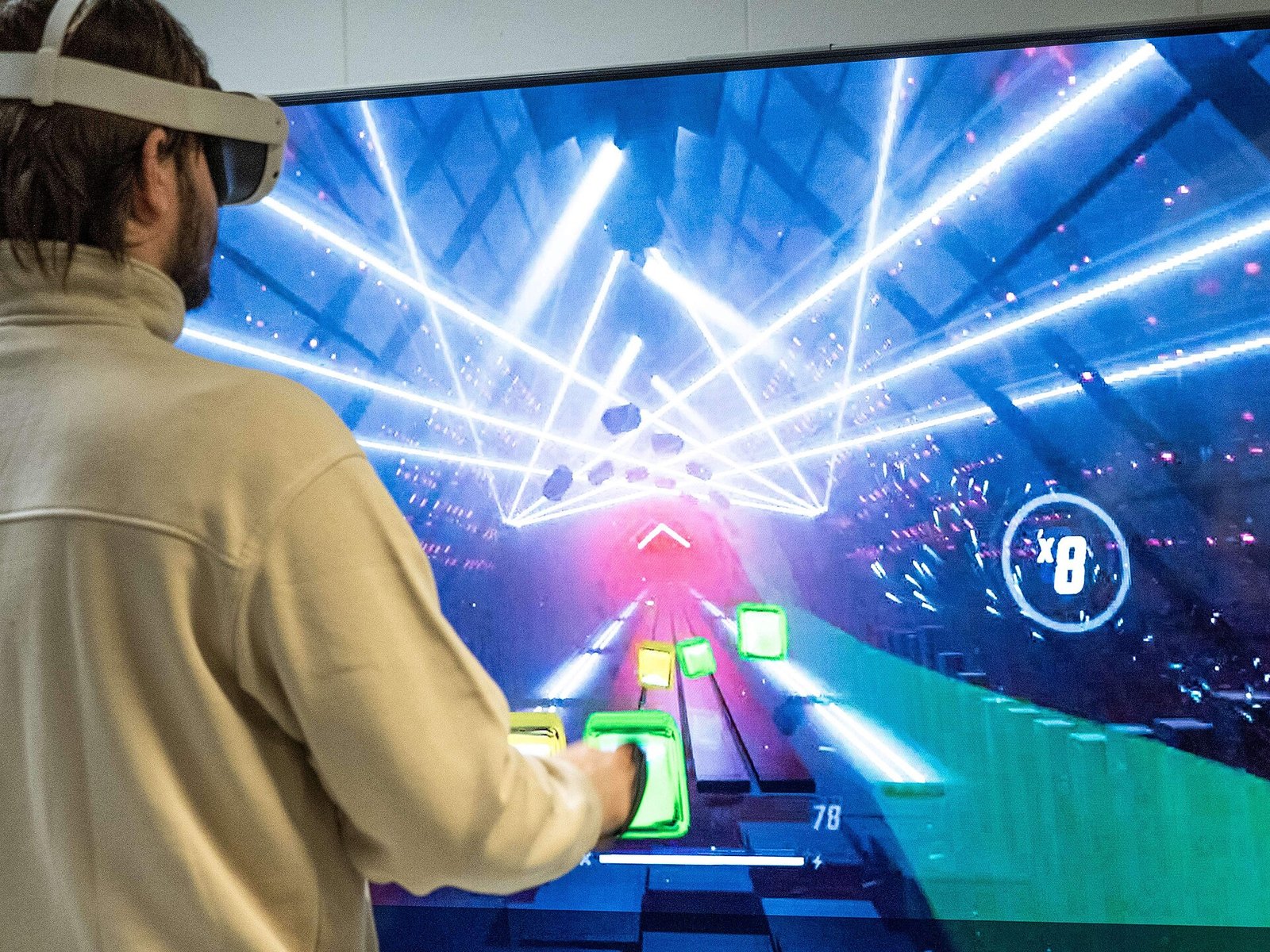
One question I get a lot from people new to VR cricket is simple: how much space for VR cricket do you actually need? It’s a fair question, because a cricket swing is big. Your arms go out, the bat comes through, and you follow through well past where you started. So in this guide I’ll go through what Meta recommends, what the game makers say, and how to make a small room work without putting the bat through the telly.
If you’re buying VR games on the Meta Store, you can also use my own code, VRCGUY, at checkout. It’s my personal code, and using it helps support the blog. You can read how it works on my VRCGUY promo code page.
The short answer
Meta recommends a clear area of at least 2 metres by 2 metres for roomscale play. That’s about 6.5 feet each way. For cricket, I’d treat that as the bare minimum space for VR cricket rather than the target.
The reason is the bat. If you use a bat attachment, iB Cricket’s own terms ask for at least 8 feet by 8 feet of clear space around you. That works out at roughly 2.4 metres each way. So if you can find that much room, you’re in a good place. If you can’t, the rest of this guide is for you.
[AUTHOR’S TAKE: add your own experience or tips here, or delete before publishing]
What Meta says about play space
Meta splits its boundary system into two modes. First, there’s Stationary mode, which is for sitting or standing in one spot. It creates a default boundary of about 1 metre by 1 metre, centred on you. Then there’s Roomscale mode, where you draw your own boundary with the controller. For that, Meta recommends a safe, clear space of at least 2 metres by 2 metres.
Meta’s safety guidance also says some apps need more room than the minimum. It suggests leaving extra space around your play area too, especially near walls and furniture. On top of that, it warns you to look up for ceiling fans and light fittings. For a cricket player, that last point matters more than most.
Why cricket needs more room than most VR games
A lot of VR games only need you to reach out and grab things. Cricket is different. A proper swing uses the full length of your arms, and the bat adds extra reach on top. Then there’s the backlift, which goes up and behind you before the shot even starts.
The follow-through is the bit people forget. A big drive can finish high over your shoulder. A pull or hook goes across your body at chest or head height. In other words, the swing covers a wide arc around you, not just the space in front.
That’s why the stationary 1 metre circle is unlikely to be enough for a full swing with a bat. It’s fine for menus and gentle shots. However, once you start playing proper shots, you want a roomscale boundary with room to spare.
How to check your room for space for VR cricket
Before you change anything in the headset, it’s worth measuring the room with the headset off. Here’s a simple way to do it.
- Pick the spot where you’ll stand to bat. Ideally, this is near the middle of the clearest part of the room.
- Measure out from that spot to the nearest wall, sofa or table in every direction. Aim for at least a metre each way, and more if you can.
- Hold the bat or controller and do a slow shadow swing. Go through your backlift, a drive and a pull. Watch what your hands and bat get close to.
- Look up. Check the ceiling height, any lampshades and any ceiling fan above your batting spot.
- Finally, check the floor for rugs, cables and toys you could trip on when you step into a shot.
If anything comes close during a slow swing, it’ll be a lot closer during a real one. So move it, or move your batting spot.
Check the ceiling before you pull
Low ceilings and hanging lights are a real issue in a lot of UK homes. RealBat’s own setup advice says to check the ceiling before you play a pull shot. Meta’s safety pages also flag fans and light fittings. A raised bat on a big backlift can easily reach a low pendant light, so it’s worth a quick look every time.
Setting up your boundary for batting
Once the room is clear, set up a roomscale boundary. Meta’s help page lists the steps like this:
- Press the Meta button on your right controller to open the Navigator.
- Choose Quick controls.
- Go to Settings, then Environment setup.
- Select Boundary, then Adjust boundary.
- Draw your roomscale boundary around the clear space.
If a game drops you into a stationary boundary, Meta also explains how to switch. Open Quick controls inside the app, select Boundary, then Switch to Roomscale.
Here’s a tip for cricket. Draw the boundary a little inside the real walls and furniture, not right up against them. That way the warning appears before your bat gets there, not after. The boundary settings also include a floor level option, which is worth checking. If the floor is set wrong, the bat can feel too high or too low at the crease.
Tracking problems can also make you step about more than you mean to. If the bat jumps or drifts, have a read of my guide on fixing tracking issues in iB Cricket on Quest 3.
Small room tips that actually help
Not everyone has a spare room or a garage they can clear. So here are some practical ways to get more out of a small space.
- Bat along the longest side. Face down the length of the room, so your swing goes towards the most open space.
- Move the obvious hazards. Coffee tables, floor lamps and glass items are the big ones. Even moving them for a session makes a difference.
- Start with gentle shots. Defensive shots and controlled drives use far less room than slogs and pulls. Build up once you know where the edges are.
- Try the controller on its own first. A bat attachment adds reach. Batting with just the controller gives you a feel for the space before you add the extra length.
- Keep the lighting good. Good lighting helps tracking, which helps you stay where you think you are.
- Stay indoors. It’s tempting to take it into the garden, but Meta says the Quest isn’t recommended for use outdoors.
People, pets and the boundary
This one is easy to forget. Meta’s safety guidance points out that the boundary may not detect people or pets. So your boundary might look perfect, but a dog wandering in won’t set it off.
Therefore, it’s worth telling the household before you start. Shut the door if you can. Also, if you’ve got kids or pets, check the room again after any break, because things move. A quick look in passthrough before each innings is a good habit.
Using a bat attachment safely
A bat attachment makes VR cricket feel far more like the real thing. However, it also means more weight and more reach. iB Cricket’s terms say the safety strap on its own bat should be secured, and they ask for that 8 feet by 8 feet of clear space. RealBat’s guide also says to use the controller’s wrist strap and make sure any bat mount is tight before you swing hard.
If you’re looking for a bat, the one I recommend is the Meta Quest 3 and 3S VR Cricket Bat from VR Merch Store. The store says it’s made and shipped from the UK and built for iB Cricket. I’ve also written a full guide to the VR cricket bat for Quest 3 and 3S, which covers setup and safety in more detail.
Whatever bat you use, check it’s firmly attached before every session. A loose controller can fly off on a big shot, and that’s the last thing you want in a small room.
A quick space checklist before every session
- Is there at least 2 metres by 2 metres of clear floor, and ideally more?
- Is anything within reach of a full swing, including the follow-through?
- Have you checked the ceiling, lampshades and any fan above you?
- Is the roomscale boundary set slightly inside the walls and furniture?
- Are pets and people out of the room, or at least out of the way?
- Is the wrist strap on, and is the bat attachment tight?
- Is the lighting good enough for steady tracking?
It takes a minute. But that minute could save a broken lamp, or worse.
Does the game you play change how much room you need?
Not really. Both main VR cricket games on Quest are about batting, so the swing is what decides the space. RealBat’s own guide says two metres by two metres is a comfortable minimum, with nothing above your head. iB Cricket asks for more when you use its bat. So if you play both, plan for the bigger number.
If you’re still choosing, my iB Cricket on Meta Quest 3 guide covers getting started. For RealBat, there’s my piece on how RealBat Cricket VR multiplayer works. And for the bigger picture, my VR cricket hub pulls all of the games, headsets and gear guides together in one place.
FAQ
Can I play VR cricket in a small bedroom?
You can, but be careful. Clear as much floor as you can and set a roomscale boundary. Then stick to controlled shots until you know where the edges are. If you can’t clear about 2 metres by 2 metres, a bigger room is the safer choice.
Is 2 metres by 2 metres enough for VR cricket?
It’s Meta’s minimum for roomscale play, and RealBat calls it a comfortable minimum. However, iB Cricket asks for around 2.4 metres each way when you use its bat. So more room is always better.
Can I play VR cricket sitting down?
Meta’s stationary mode supports sitting. But batting is a standing, swinging action, so it isn’t a natural fit. If you need to play seated, keep the shots gentle and clear the space around the chair.
Can I play VR cricket outside in the garden?
Meta says the Quest isn’t recommended for use outdoors. So it’s best to stick to an indoor room you can clear.
How high does the ceiling need to be?
Neither Meta nor the game makers give an exact ceiling height. Instead, they say to check above you before you play. A slow shadow swing with your full backlift is the best test.
Is VR cricket OK for kids?
RealBat says its game is for players aged 13 and over. iB Cricket’s terms ask that a parent or responsible adult checks the health and safety guidance for minors. Either way, an adult should check the space first.
Final thoughts
RealBat’s guide says a bat hitting a wall, a lamp or a person is the most common VR cricket accident. That all comes down to space for VR cricket. A swing reaches further than you think, especially with a bat on the end. So measure the room, look up, draw your boundary a bit inside the real walls and keep the dog out.
Once that’s sorted, you can get stuck in properly. And if you’re wondering which headset gives you the best start, have a look at my guide to the best VR headset for VR cricket. I’ll keep this guide updated if Meta or the game makers change their advice.
Featured image: InclusiveGameLab, via Wikimedia Commons (CC BY-SA 4.0).
