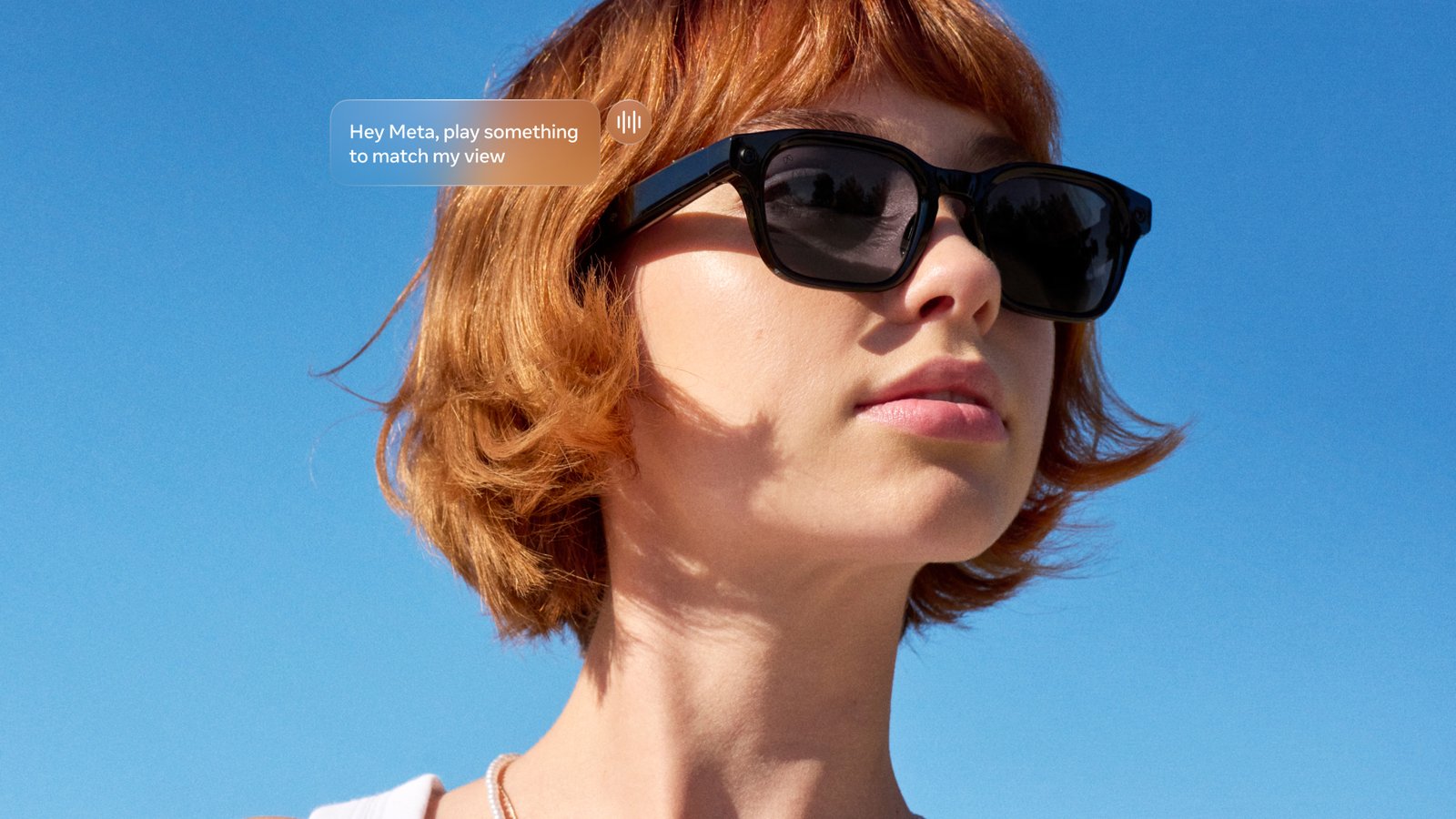
Meta has pushed out an urgent fix for Meta Glasses overheating. In rare cases, some pairs can get “too warm” if sweat or moisture gets inside. The fix is software version 130, and Meta says you’ll need it by 16 November or some features will be blocked. I wear the Meta Glasses Fury edition myself, and the Fury is on the list. So here’s who is affected, how to update, and what to do if your glasses shut down.
What has Meta said about the overheating problem?
Meta’s own help page puts it simply. In rare cases, Meta Glasses may get too warm after excessive moisture or sweat enters the device. Version 130 of the glasses software resolves the issue, according to Meta.
Meta also emailed owners with an “Action required” message, as 9to5Google reported. A Meta spokesperson gave this statement:
“We’ve implemented a software update to fix a rare issue that caused a small number of Meta Glasses to get too warm when moisture entered the device. It works similarly to a phone shutting off automatically when it needs to cool down. If people experience this, they can contact Meta Customer Service for a replacement.”
You’ll notice Meta says “warm”, not “hot” or “overheating”. 9to5Google says the company was very careful with that wording. Meta also told the site that the temperature limit for the safety shutdown is quite low. In other words, the glasses should switch off well before things get dangerous.
Which Meta Glasses are affected?
This only covers Meta’s own-brand glasses. The fix applies to five styles:
- Meta Adventurer
- Meta Fury
- Meta Starfire
- Meta Nova
- Meta Capri
Ray-Ban Meta and Oakley Meta glasses are not affected, according to Meta. That’s a key point, because plenty of people use “Meta glasses” to mean the Ray-Bans. If you’ve got a pair of Ray-Ban Meta glasses, this update isn’t about you.
Meta Glasses are the newer, cheaper line. Meta launched them with EssilorLuxottica on 23 June 2026, starting at $299, according to the Meta newsroom. The first styles were Adventurer, Fury and the Kylie frame, and Capri and Nova followed in September. 9to5Google notes that they have the same features as the pricier Ray-Ban and Oakley models.
Don’t mix them up with Meta VR Glasses
Just to add to the confusion, Meta also has a product called Meta VR Glasses. That’s a lightweight headset announced at Connect 2026, priced at $1,300, according to Road to VR. It has nothing to do with this fix. If you want to know more about it, my piece on Meta VR Glasses controllers and hand tracking covers what cricket players need to know.
How to update your Meta Glasses to version 130
The update goes through the Meta AI app on your phone. Here are the steps from Meta’s help page:
- Open the Meta AI mobile app and tap Glasses or Devices.
- Tap your glasses and select Device settings.
- If you have more than one pair paired, swipe left to choose your Adventurer, Starfire, Fury, Nova or Capri.
- If automatic updates are off, tap to update to version 130 or later.
Tom’s Guide adds a sensible tip. Make sure your glasses are charged and connected while the update installs. It’s also worth turning on automatic updates so you don’t miss the next one.
Don’t panic if you can’t see it straight away, though. Engadget reported that version 130 was still rolling out and could take a day or so to reach everyone.
The 16 November deadline
This is the bit not to ignore. Meta’s help page says that after 16 November 2026, you’ll have to update to version 130 or later, or “certain features will get blocked”. Meta doesn’t say which features. Either way, it’s clear Meta wants every pair updated, so it’s best to do it now.
What happens if your glasses get too warm?
Once you’re on version 130, the glasses have a safety shutdown. According to Meta, if they get too warm:
- You’ll hear an audio message saying the glasses are too warm and are shutting down.
- A red LED will flash.
- If you’re on the latest Meta AI app, you’ll also get a notification explaining that the glasses turned off as a precaution.
If that happens, Meta says you can contact Meta Store Support to ask for a replacement. Engadget describes these as free replacements for affected devices. Meta hasn’t said how many pairs might be affected, only that it’s a small number.
Aren’t Meta Glasses meant to be water resistant?
Yes, and that’s the awkward part of the Meta Glasses overheating story. According to Engadget, Meta says all its AI glasses have IPX4 water resistance. Meta describes that as safe if you get caught in light rain while wearing them. In practice, IPX4 means splashes, not a dunking.
Engadget suggests the issue means some Meta Glasses may not be as water resistant as they’re supposed to be. That’s a fair question to ask. On the other hand, Meta says it’s rare, and there’s now a software safety net in place.
Interestingly, 9to5Google couldn’t find specific reports of Meta Glasses overheating among the newer styles. Tom’s Guide said the same. Both mention older, scattered reports about Ray-Ban Meta glasses, but those aren’t covered by this fix.
What this means for everyday wear
For most people, the advice is simple. Update the glasses, then carry on as normal. The fix is a software safety cut-off, so it’s about stopping the glasses before they get uncomfortably warm.
Still, it’s worth being sensible with sweat and rain. If you wear yours on a run, at the gym or on a warm day at the cricket, give them a wipe and pop them back in the case to dry. Here in the UK, light drizzle is fine under IPX4, but a proper downpour is a different matter.
If you’re thinking of buying a pair, this shouldn’t put you off on its own. Every gadget gets updates, and Meta acted quickly with a fix and a replacement route. Just make sure you know which line you’re buying, as the Ray-Ban and Oakley models aren’t part of this issue.
I wrote about wearing them day to day in The Meta Glasses and VR Cricket Guy. If you’re weighing up other smart glasses, my look at the XREAL AURA glasses covers a very different take on the idea.
What we still don’t know
- Which features will be blocked after 16 November if you don’t update.
- How many pairs have actually been affected.
- Whether there’s a hardware change in newer batches, or only the software fix.
- Whether the replacement process is the same in the UK as in the US.
Meta Glasses overheating FAQ
Are Ray-Ban Meta glasses affected?
No. Meta says Ray-Ban Meta and Oakley Meta glasses are not affected by this issue.
What version fixes it?
Version 130 or later of the glasses software, installed through the Meta AI app.
Can I get a replacement?
Yes. Meta says that if your glasses shut down because they’re too warm, you can contact Meta Store Support to request a replacement.
Is there a deadline?
Yes. After 16 November 2026, Meta says you’ll need version 130 or later, or certain features will be blocked.
While you’re here, if you buy VR games for your Quest on the Meta Store, you can use my promo code VRCGUY at checkout. It’s for Meta Store VR games rather than the glasses, and it helps support this site. For more headset news and guides, head over to my Meta Quest hub.
Sources
- Meta Help Centre: Preventing your Meta Glasses from becoming too warm
- 9to5Google: Meta issues a high-priority update to prevent some glasses from getting too warm (10 November 2026)
- Engadget: Meta warns some of its AI glasses may get too warm if they get wet (10 November 2026)
- Tom’s Guide: Meta AI glasses can get too warm from water and sweat
- Meta Newsroom: We’re Partnering With EssilorLuxottica to Launch Meta Glasses
- Road to VR: Meta Reportedly Rebranding Horizon+ to Meta VR+ (Meta VR Glasses details)