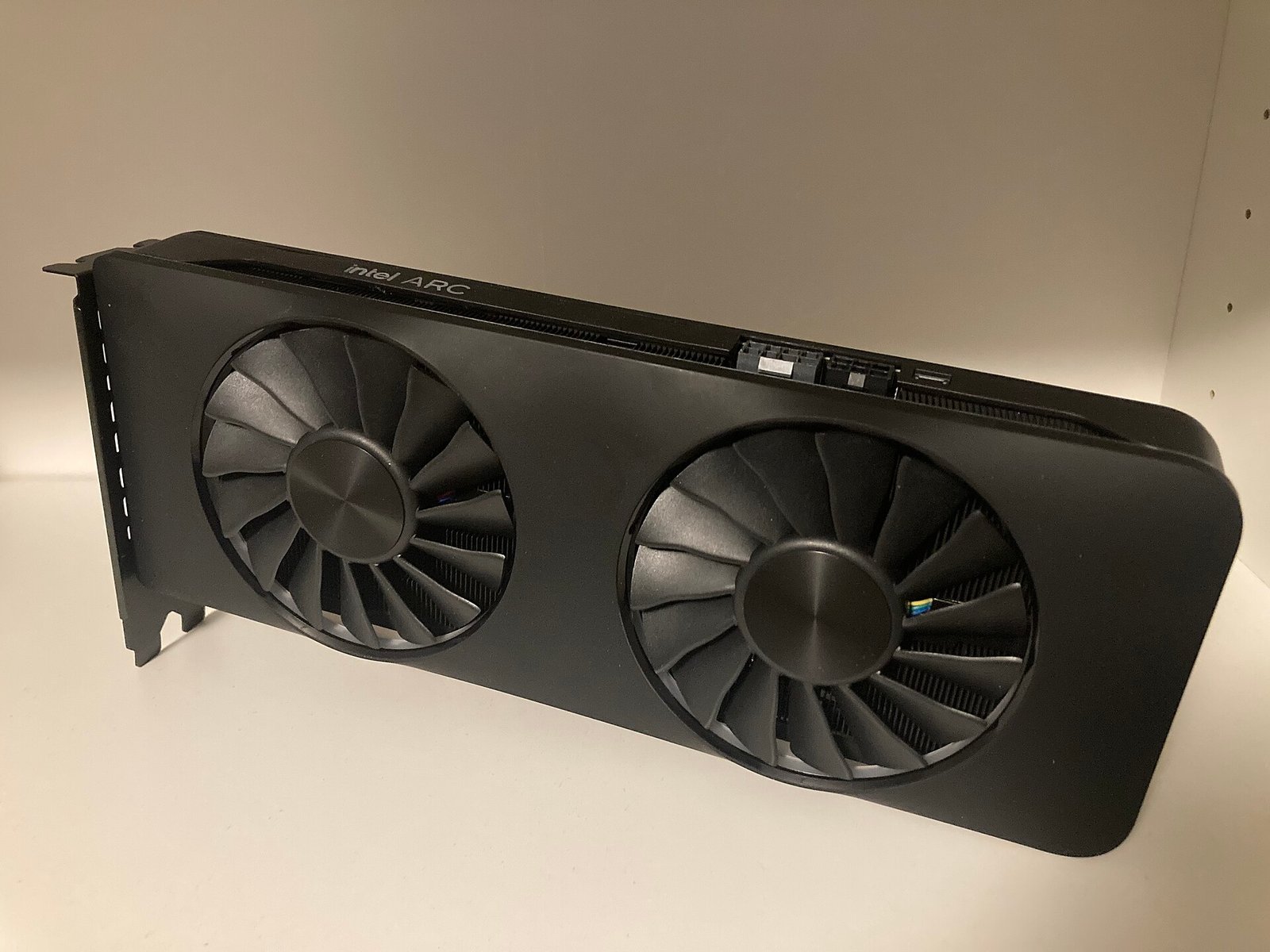
Got a PC with Intel graphics and a Quest on your head? Until now, Steam Link simply wasn’t built for you. That changes in the latest SteamVR beta. Valve’s 2.19.5 update adds Steam Link Intel Arc support, along with Intel Iris and newer Intel UHD graphics. So, for the first time, Valve’s own wireless app can stream PC VR from an Intel-powered machine.
I haven’t tried it, so this is based on Valve’s patch notes, its help pages and Meta’s own requirements. Here’s what’s changed, how to switch it on, and the honest caveats before you get excited about an old laptop.
Steam Link Intel Arc support: the quick answer
- What’s new: SteamVR beta 2.19.5 adds Steam Link support for Intel Arc, Intel Iris and Intel UHD Graphics 700-series and up, according to Valve’s patch notes.
- When: Valve posted the update on 25 November 2026 and calls it a candidate for a full release.
- Is it finished? No. It’s a beta, so you need to opt in on both your PC and your headset.
- Which headsets? Steam Link runs on Meta Quest 2, Quest 3, Quest 3S and Quest Pro, among others.
- Does Meta’s own Link app support Intel Arc? Not yet. Meta says Intel Arc isn’t currently supported by Meta Horizon Link.
What is Steam Link, and why did Intel graphics matter?
Steam Link is Valve’s free app for Meta Quest headsets. It streams games from the Steam library on your PC to your headset over Wi-Fi. In other words, your PC does the heavy lifting and the headset becomes the screen. That’s how most Quest owners play PC-only VR games.
The catch has always been the graphics card. Streaming needs the GPU to encode the picture into video, very quickly, every frame. Valve’s Steam Link FAQ still lists only NVIDIA (GTX 970 or better) and AMD (RX 570 or better) as minimum GPUs. Intel wasn’t on the list at all.
That left a lot of people out. Plenty of laptops only have Intel graphics. Meanwhile, Intel’s Arc cards have become a budget option for desktop gamers. If you owned one of those, the official Valve route simply didn’t cover you.
What SteamVR 2.19.5 actually changes
The Intel news is the headline, but it’s not the only change. Here’s the full Steam Link section of Valve’s notes, in plain English:
- Intel graphics: Steam Link now supports Intel Arc, Intel Iris and Intel UHD Graphics 700-series and up.
- Eye-tracked headsets: on Steam Frame and Quest Pro, the sharp area in the middle of the picture should stay a more consistent size, even when you look well off-centre.
- Chroma key settings moved: the green-screen style Room View controls now live under Play Area on the PC, below Environment.
- Per-game chroma key: you can now pick the key colour, mode and threshold for each game.
- Battery warning: Valve now warns that Key Content keeps the cameras on, which uses more power.
- Fixes: flickering in the right eye in some situations, and reprojection failures in some games.
Outside streaming, there’s a workaround for lost inputs in F1 ’25. Linux users also get a fix for a bug that made some games run at half rate.
If the chroma key part sounds familiar, that’s because it arrived in the previous beta. I explained how it works in my Steam Link chroma key guide. This update mostly tidies up where the settings live.
How to try Steam Link on Intel graphics
Because this is beta software, you need two opt-ins. Valve’s notes are clear that both are required.
- On your PC: open Steam, go to your Library and right-click SteamVR. Choose Properties, then Game Versions & Betas, and pick the SteamVR Beta. Valve’s SteamVR beta help page has the same steps.
- On your Quest: open the Steam Link app’s settings in the headset’s app library. Under Release Channels, join the Steam Link beta.
- Update your Intel driver. Valve doesn’t name a minimum driver, but an up-to-date driver is the sensible starting point.
- Connect as normal. Make sure Steam and SteamVR are running on the PC. Then open Steam Link on the headset, on the same network.
Valve’s FAQ also asks for a 5GHz Wi-Fi 5 router as a minimum. Ideally, use Wi-Fi 6 or 6E, with the PC wired to the router by cable. That advice matters even more on a modest PC, because a weak network adds its own stutter on top.
The caveats: what Intel support doesn’t mean
This is the bit worth reading twice. Support means Steam Link will now stream from Intel graphics. It doesn’t mean every Intel chip can run proper PC VR games.
Intel UHD and Iris are built into the processor. They’re fine for everyday work and light games. However, big PC VR titles are a different story, and Valve hasn’t promised any level of performance. Japanese tech site Joho no Todai made the same point: Steam Link support and whether a PC can actually render a given VR game are separate questions.
Arc is a different case. These are proper graphics cards, so an Arc desktop has a much better chance. Even so, Valve hasn’t published Intel-specific recommended specs yet.
There’s also an older change in the 2.19 beta that’s relevant here. Valve says Steam Link no longer runs a GPU performance test to pick your recommended resolution. Instead, it targets 1.4 times the headset’s panel resolution by default. On a slower GPU, that default could be too ambitious. So be ready to lower the resolution in the Steam Link settings on your PC if games feel choppy.
Gaming laptops with two GPUs
Many gaming laptops have both Intel graphics and an NVIDIA chip. In that case, you don’t really want the Intel one doing the work. Helpfully, the 2.19.4 beta changed Steam Link to use the high-performance GPU on two-GPU laptops, unless a Windows graphics preference is set for SteamVR. So the new Intel support shouldn’t take over from your faster chip.
Steam Link vs Meta Horizon Link on Intel graphics
This is where the update gets interesting. Meta’s Windows PC requirements for Meta Horizon Link say plainly that Intel Arc GPUs are currently not supported. Meta adds that it’s working on support in future updates, but gives no date.
So, for now, Steam Link’s beta is the official route on Intel graphics. Meta’s own PC app isn’t. That’s a slightly odd position for Meta, given Quest owners are its customers. It’s also a reminder of how far Steam Link has come since Valve launched it for Quest.
Meta Horizon Link still has its uses, of course. It works with a USB cable, and it’s the way into the Meta Horizon Store’s PC games. If you mainly play Steam games, though, Steam Link has quietly become the more flexible option.
Just want your Windows desktop in the headset rather than VR games? That’s a separate job. My guides to the latest Quest Virtual Display update and Mixed Reality Link over USB cover that side.
Who should care about this update?
If you own a Meta Quest 3 or a Meta Quest 3S and an Intel Arc desktop, this is good news. It’s worth a try once you’ve joined both betas.
If you have a thin laptop with Intel UHD or Iris graphics, keep your expectations low. Lighter VR apps and the SteamVR home space may be fine. Demanding games are likely to struggle, and nobody has published proper tests yet.
And if you already use NVIDIA or AMD, nothing changes for you here. You still get the tidier chroma key settings and the bug fixes.
For VR cricket fans, by the way, none of this is essential. iB Cricket and the other Quest cricket games run on the headset itself, with no PC needed. My Meta Quest hub has more guides for Quest 3 and 3S owners.
What we still don’t know
- Which Arc cards are supported? Valve just says Intel Arc. It doesn’t list models or generations.
- Minimum and recommended specs: the Steam Link FAQ still lists only NVIDIA and AMD (checked 28 November 2026).
- Stable release date: Valve calls 2.19.5 a release candidate, but hasn’t given a date for the full update.
- Meta’s timeline: Meta says Intel Arc support for Horizon Link is coming, with no date.
Steam Link Intel Arc FAQ
Does Steam Link work with Intel Arc?
Yes, in the SteamVR 2.19.5 beta. You need the SteamVR beta on your PC and the Steam Link beta on your Quest.
Does Steam Link work with Intel integrated graphics?
Valve’s notes include Intel Iris and Intel UHD Graphics 700-series and up. Whether your laptop can run a particular VR game smoothly is a separate question.
Is Steam Link free?
Yes. Steam Link is free on the Meta Horizon Store. You still need to own the PC games on Steam.
Can I use Meta Horizon Link with Intel Arc instead?
Not at the moment. Meta’s help page says Intel Arc GPUs are currently not supported by Meta Horizon Link.
I’ll update this page when 2.19.5 reaches the full SteamVR release, or if Valve publishes Intel specs.
Buying a paid game on the Meta Store? Use my creator code at checkout on meta.com for a discount on eligible games.
VRCGUY
My link should apply the discount for you. If it doesn’t, enter VRCGUY at checkout. It’s for paid games only and won’t stack with other offers. (It’s my code, so Meta pays me a small fee.) How to use VRCGUY
Sources
- Valve: SteamVR Beta Updated – 2.19.5 (25 November 2026; Intel Arc, Iris and UHD 700-series support, chroma key changes, fixes, opt-in steps, earlier 2.19 notes)
- Steam Support: Steam Link for Meta, HTC and PICO headsets (minimum and recommended requirements, checked 28 November 2026)
- Steam Support: SteamVR Beta (how to opt in)
- Steam Link on the Meta Horizon Store (free app, supported headsets)
- Meta Quest Help: Windows PC requirements for Meta Horizon Link (Intel Arc not currently supported, checked 28 November 2026)
- GamingOnLinux: SteamVR Beta v2.19.5 brings more Steam Link streaming improvements (26 November 2026)
- Joho no Todai: SteamVR 2.19.5 beta adds Steam Link support for Intel GPUs (performance caveat)
Featured image: Intel Arc A770 graphics card, photo by Telaneo via Wikimedia Commons (CC0).
